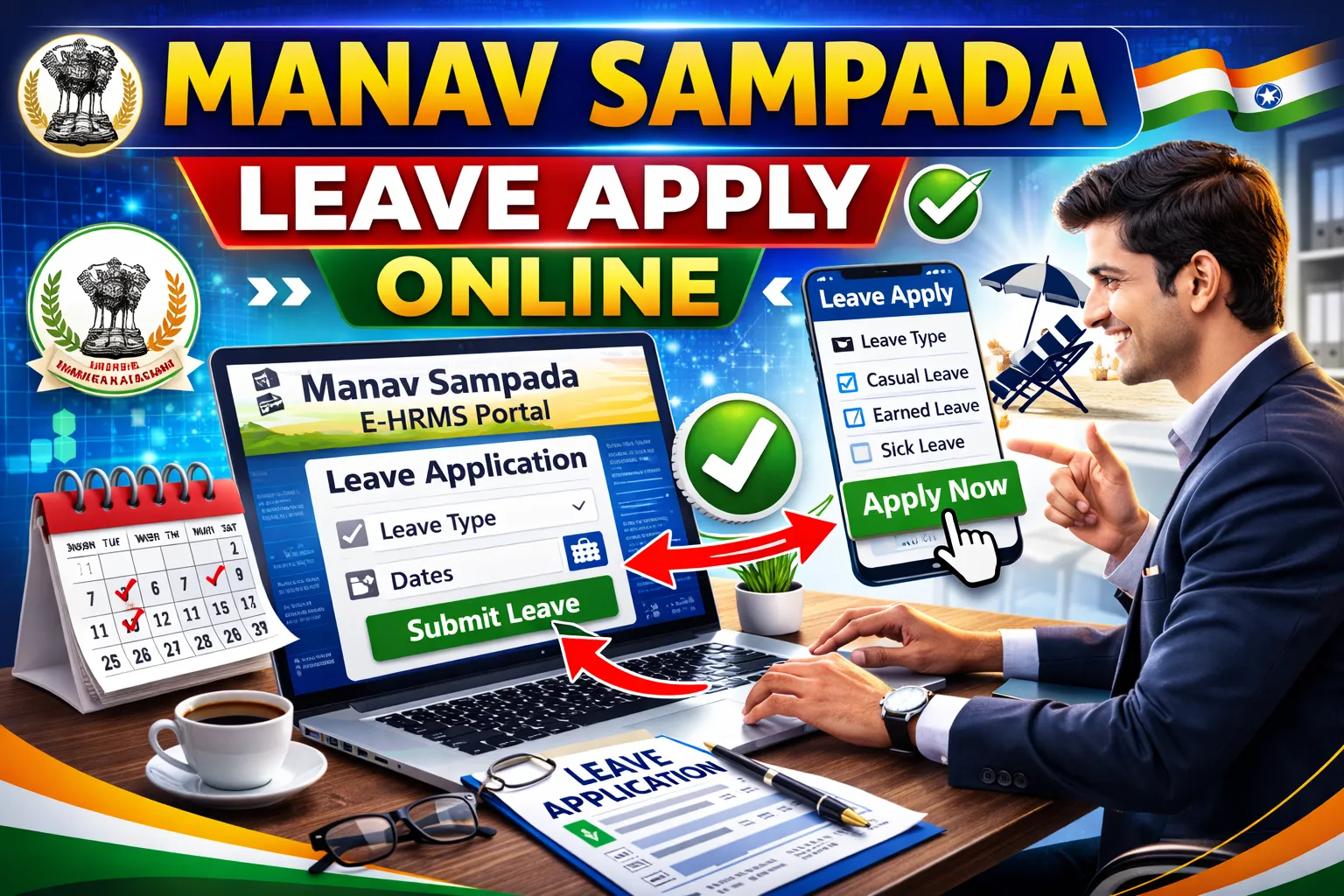
Manav Sampada Leave Apply Online
Government employees of can now apply for leave online through the .
The eHRMS system allows employees to:
- Apply for Casual Leave (CL)
- Apply for Medical Leave (ML)
- Apply for Earned Leave (EL)
- Track leave status
- Cancel or modify leave request
In this complete 2026 guide, you will learn the step-by-step leave application process.
What is Manav Sampada Leave Management System?
The Manav Sampada Portal is an online HRMS system developed for UP government employees. The leave management feature helps:
- Reduce paperwork
- Speed up approval process
- Maintain digital leave records
- Track leave balance automatically
All leave applications are forwarded digitally to the reporting officer.
Types of Leave Available in Manav Sampada
1️⃣ Casual Leave (CL)
- For short personal work
- Limited days per year
- Usually approved quickly
2️⃣ Medical Leave (ML)
- For health-related issues
- Medical certificate required
3️⃣ Earned Leave (EL)
- Accumulated over service period
- Can be used for long leave
4️⃣ Maternity / Special Leave
- As per government rules
- Subject to eligibility
How to Apply Leave on Manav Sampada Portal (Step-by-Step)
Follow these simple steps:
Step 1: Visit Official Website
Go to: https://ehrms.upsdc.gov.in
Step 2: Login
- Click on eHRMS Login
- Select your department
- Enter User ID & Password
- Fill captcha and click Login
Step 3: Open Leave Module
After login:
- Click on Leave Management System
- Select Apply Leave
Step 4: Fill Leave Details
Enter:
- Leave Type (CL/ML/EL)
- Start Date
- End Date
- Reason for leave
- Attach document (if medical leave)
Step 5: Submit Application
Click Submit.
Your leave request will be sent to your reporting officer.
How to Check Leave Status?
- Login to portal
- Click on Leave Management
- Select Leave Status
You can see:
- Pending
- Approved
- Rejected
How to Cancel Leave Application?
If leave is not yet approved:
- Login to portal
- Go to Leave History
- Click Cancel Request
Once approved, cancellation requires higher authority approval.
Leave Approval Process
The approval hierarchy usually follows:
Employee → Reporting Officer → Higher Authority (if required)
Approval time:
- Casual Leave: 1–3 days
- Medical Leave: Depends on verification
- Earned Leave: As per department rules
Documents Required for Medical Leave
- Medical certificate
- Hospital prescription
- Fitness certificate (if required)
Make sure documents are clear and properly uploaded.
Common Leave Apply Problems & Solutions
❌ Leave Option Not Showing
✔ Check if leave balance available
✔ Contact department admin
❌ Leave Rejected
✔ Check reason mentioned
✔ Correct mistakes and reapply
❌ Portal Not Working
✔ Use Chrome browser
✔ Clear cache
✔ Try during non-peak hours
Important Rules for UP Employees
- Leave must be applied before taking leave (except emergency)
- False information may lead to disciplinary action
- Leave balance updates automatically in system
Benefits of Online Leave System
✔ Faster approval
✔ Digital record maintenance
✔ Transparent process
✔ Easy tracking
✔ Paperless system
Frequently Asked Questions (FAQs)
Q1. Can I apply leave from mobile?
Yes, you can access the portal through mobile browser.
Q2. Is medical certificate compulsory?
Yes, for medical leave.
Q3. How many casual leaves are allowed?
As per UP government department rules.
Q4. Can I edit leave after submission?
Only before approval.
Q5. Is Manav Sampada leave apply free?
Yes, completely free for government employees.
Final Words
The Manav Sampada Leave Apply Online 2026 system makes leave management simple and transparent for government employees of Uttar Pradesh. Always check your leave balance before applying and ensure documents are properly uploaded.
For smooth processing, keep your login credentials secure and regularly monitor leave status.