Manav Sampada Mobile App Download & Use Guide 2026 – Complete Step-by-Step Tutorial
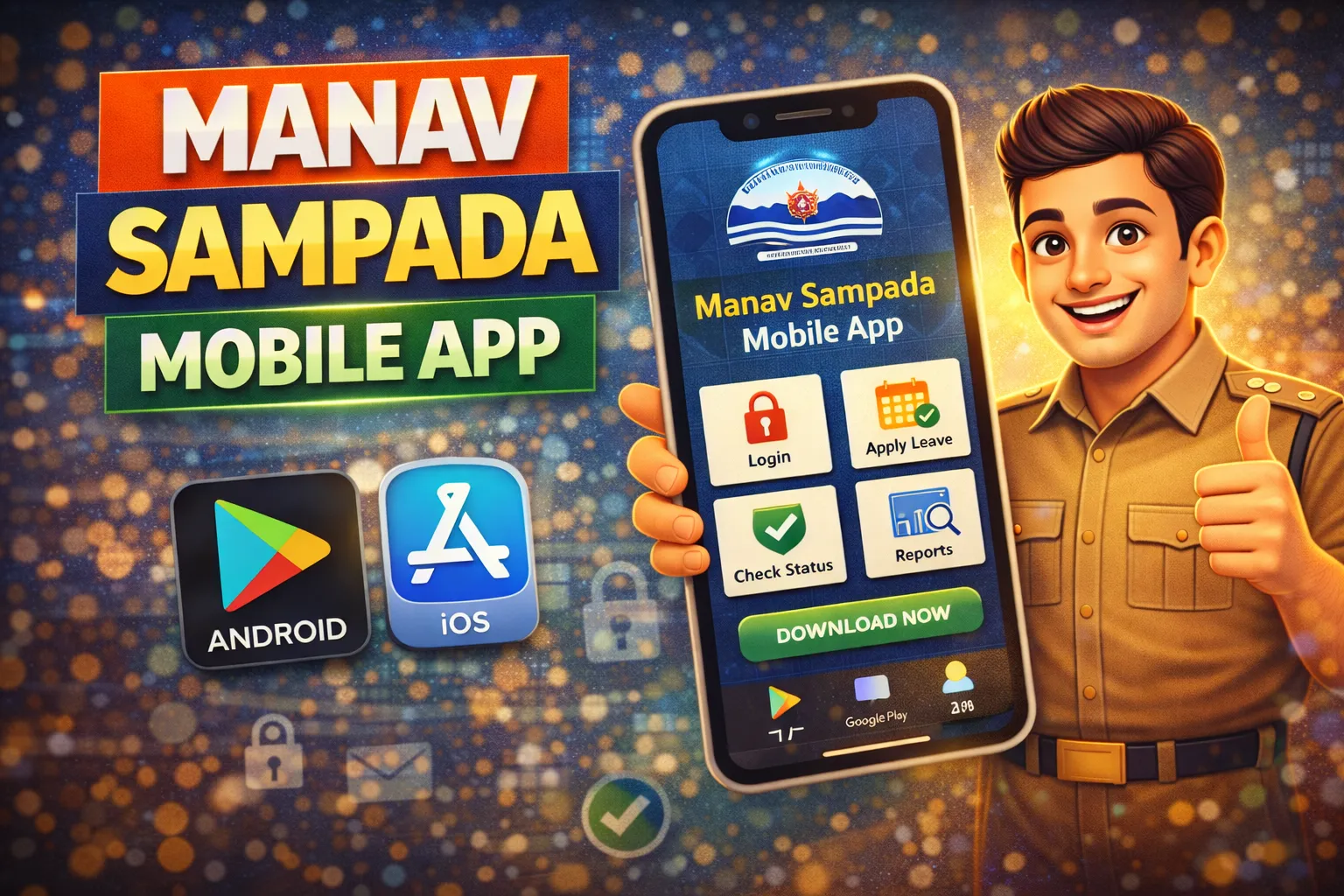
The Manav Sampada Mobile App Download & Use Guide helps government employees access important HR services directly from their smartphones. Instead of opening the portal on a desktop, employees can manage leave applications, view service records, and check updates using the official mobile application.
The app connects to the official Manav Sampada Portal which is widely used by government departments in Uttar Pradesh.
In this guide you will learn:
- How to download the Manav Sampada mobile app
- How to login using your employee ID
- How to apply leave using the mobile app
- How to check leave status and service records
- Solutions for common mobile app problems
Let’s begin.
What Is the Manav Sampada Mobile App?
The Manav Sampada Mobile App is an official HRMS application that allows government employees to access employee services through their smartphones.
The application is connected to the EHRMS system used by government departments.
Using the mobile app, employees can perform tasks like:
- Apply for leave
- Check leave approval status
- View employee profile
- Access service details
- Check department notifications
The mobile app is designed to make HR services faster and easier.
Key Features of Manav Sampada Mobile App
The mobile application includes many useful features for employees.
1. Employee Login
Employees can log in using their employee ID and password.
2. Leave Management
Employees can apply for leave and track approval status.
3. Service Record Access
Users can view service details and profile information.
4. Notifications
Employees receive updates about approvals, transfers, or department notices.
5. Easy Mobile Access
Employees can use the portal anytime without opening a computer.
These features help government employees manage HR services quickly.
How To Download Manav Sampada Mobile App
Follow these simple steps to download the application.
Step 1: Open Google Play Store
Open the Google Play Store on your Android smartphone.
Step 2: Search for Manav Sampada App
In the search bar, type:
Manav Sampada Mobile App
You will see the official application connected to the EHRMS portal.
Step 3: Click Install
Tap the Install button.
The app will download and install automatically.
Step 4: Open the App
After installation, open the application from your mobile screen.
Now you can log in using your employee credentials.
How To Login in Manav Sampada Mobile App
After installing the app, follow these steps to log in.
Step 1
Open the Manav Sampada mobile application.
Step 2
Select your department if required.
Step 3
Enter your details:
- Employee ID / User ID
- Password
- Captcha code
Step 4
Tap the login button.
Once login is successful, you will see your employee dashboard.
How To Apply Leave Using the Mobile App
Applying leave using the mobile app is simple.
Follow these steps.
Step 1
Login to the Manav Sampada mobile application.
Step 2
Open the Leave Management section.
Step 3
Click on Apply Leave.
Step 4
Enter leave details such as:
- Leave type
- Start date
- End date
- Reason for leave
Step 5
Submit the application.
Your request will be sent to the reporting officer for approval.
How To Check Leave Status Using Mobile App
Employees can also check leave approval status using the app.
Steps:
- Login to the application
- Go to Leave Management
- Select Leave Status
- View application details
The status will show one of the following results:
- Approved
- Pending
- Rejected
This helps employees track their leave requests easily.
How To Update Profile Details
The mobile application allows employees to check and update some personal details.
You can view information like:
- Name
- Department
- Employee ID
- Designation
However, major profile updates usually require approval from the department office.
Benefits of Using the Manav Sampada Mobile App
Using the mobile app provides several benefits.
Convenience
Employees can access services anytime.
Faster Leave Applications
Leave requests can be submitted instantly.
Real-Time Updates
Employees receive notifications for approvals.
Reduced Paperwork
Most HR processes are handled digitally.
Because of these advantages, many employees prefer the mobile app.
Common Problems While Using the Mobile App
Sometimes users face technical issues.
Here are the most common problems and solutions.
App Not Opening
Possible reason: outdated app version.
Solution:
- Update the app from Play Store
- Restart your phone
Login Failed Error
Possible reasons:
- Incorrect password
- Wrong employee ID
Solution:
- Check login credentials carefully
- Reset password if required
Server Not Responding
This usually happens during heavy traffic.
Solution:
- Wait for some time
- Try again later
OTP Not Received
If OTP verification fails:
- Check mobile network
- Wait for SMS delay
- Retry login process
Security Tips for Mobile App Users
Employees should follow basic security rules.
- Do not share your password
- Never share OTP with others
- Logout after using the app
- Avoid installing unofficial apps
These steps protect your employee data.
Why Manav Sampada Portal Access Is Important
The Manav Sampada system provides important services for government employees.
Employees use it for:
- Leave management
- Service records
- Profile verification
- Salary details
Many employees also need salary slips when applying for loans.
Banks such as State Bank of India may require employment verification and salary records during loan processing.
Therefore, keeping access to your employee portal is important.
Tips for Smooth Mobile App Usage
Follow these tips for better experience.
- Always update the mobile app
- Use stable internet connection
- Avoid peak usage hours
- Keep login credentials secure
These small steps can prevent most technical issues.
Frequently Asked Questions (FAQ)
Q1: Is the Manav Sampada mobile app official?
Yes, the mobile app connects to the official EHRMS portal used by government departments.
Q2: Can I apply leave through the mobile app?
Yes, employees can submit leave applications through the app.
Q3: Can I check leave status using mobile?
Yes, leave status can be tracked from the Leave Management section.
Q4: What should I do if login fails?
Check your password and employee ID. If the problem continues, reset your password.
Q5: Is the app safe to use?
Yes, as long as you download the official version and keep your login details secure.
Related Manav Sampada Guides:
- Salary Slip Download Process
- Service Book PDF Download
- Leave Apply Step-by-Step
- Password Reset Guide
- Manav Sampada Portal Login
- Manav Sampada Login Problem Fix
- Manav Sampada Forgot Password Reset
- Manav Sampada Leave Status Check Online
Conclusion
The Manav Sampada Mobile App Download & Use Guide helps government employees manage HR services easily through their smartphones. With features like leave application, status tracking, and profile access, the mobile app makes the system faster and more convenient.
By following the steps explained in this guide, employees can download the application, log in safely, and use all available services without difficulty.