Manav Sampada Account Locked Solution
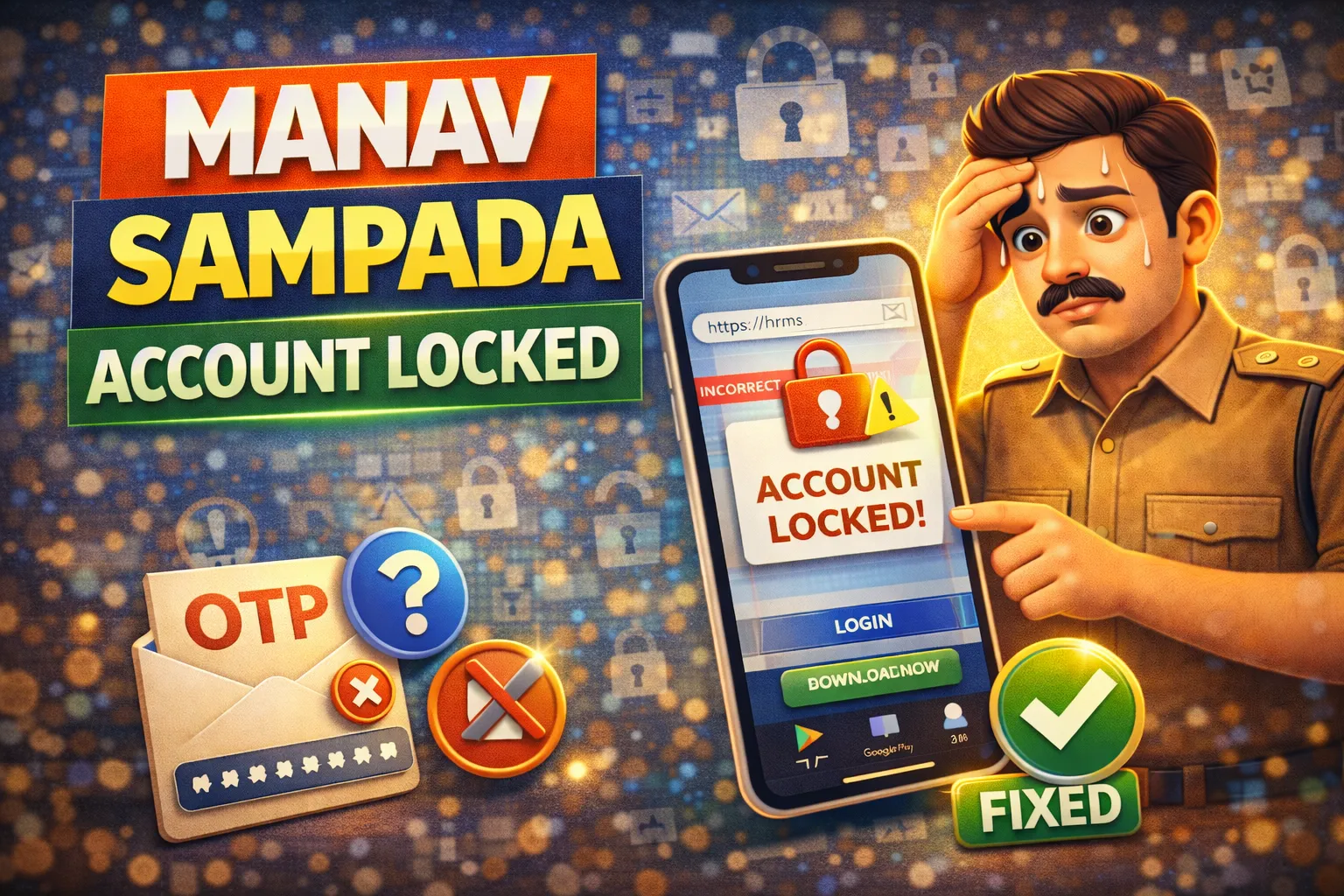
Many government employees sometimes face the Manav Sampada account locked problem while trying to log in. This usually happens after entering the wrong password multiple times or due to system security restrictions.
The official employee management system used in Uttar Pradesh is the Manav Sampada Portal. This portal helps government employees manage services such as leave applications, service records, and salary details.
If your account is locked and you cannot log in, don’t worry. In this guide we will explain why accounts get locked and how to unlock them quickly.
Why Manav Sampada Account Gets Locked
There are several reasons why the portal may lock your account. Some of the most common reasons include:
Multiple Wrong Password Attempts
If you enter the wrong password several times in a row, the system may temporarily lock your account for security reasons.
Security Protection
The portal automatically locks accounts to prevent unauthorized access.
Incorrect Login Details
Entering the wrong User ID or Password repeatedly can trigger a security lock.
System Timeout or Technical Error
Sometimes the account may appear locked due to temporary server issues.
How to Fix Manav Sampada Account Locked Problem
If your account is locked, you can try the following solutions.
Wait for Automatic Unlock
In many cases, the account unlocks automatically after some time.
You can try logging in again after 30 minutes to 1 hour.
Avoid repeated login attempts during this time.
Reset Your Password
If you forgot your password or entered it incorrectly, resetting the password can solve the issue.
Steps to reset password:
- Open the Manav Sampada login page
- Click on Forgot Password
- Enter your User ID
- Verify using OTP sent to your mobile number
- Create a new password
After resetting the password, try logging in again.
Check Your Login Credentials
Make sure you are entering the correct information.
Double-check:
- User ID
- Password
- Captcha code
Even a small typing mistake can cause login errors.
Clear Browser Cache
Sometimes browser issues can prevent login.
To fix this:
- Open browser settings
- Clear browsing data
- Restart your browser
Then try accessing the portal again.
Use a Different Browser or Device
If the problem continues, try logging in using another browser or device.
For example:
- Google Chrome
- Microsoft Edge
Using an updated browser can improve compatibility.
Contact Department Administrator
If none of the above solutions work, you should contact your department administrator.
They can:
- Check your employee account
- Unlock your profile in the system
- Update login details if required
Usually, the HR or IT department manages employee accounts in the portal.
Services Available After Login
Once your account is unlocked, you can access many important services such as:
- Leave application
- Leave status tracking
- Salary slip download
- Service book records
- Employee profile updates
These services help government employees manage their work information online.
Sometimes employees also download salary slips for financial purposes. Banks such as State Bank of India may request salary documents when processing loan applications.
Tips to Avoid Account Lock in the Future
To prevent your account from being locked again, follow these simple tips:
- Always remember your password
- Avoid repeated wrong login attempts
- Use a secure password manager if needed
- Update your password regularly
- Log out properly after using the portal
Following these practices will help keep your account secure and accessible.
Frequently Asked Questions
Why is my Manav Sampada account locked?
Your account may be locked because of multiple incorrect password attempts or system security measures.
How long does the account stay locked?
In many cases, the account unlocks automatically within 30–60 minutes.
Can I unlock my account without resetting password?
Yes, sometimes waiting for the automatic unlock is enough. However, resetting the password can solve the issue faster.
Who can unlock my account if the problem continues?
You should contact your department administrator or IT support team.
Related Manav Sampada Guides:
- Salary Slip Download Process
- Service Book PDF Download
- Leave Apply Step-by-Step
- Password Reset Guide
- Manav Sampada Portal Login
- Manav Sampada Login Problem Fix
- Manav Sampada Forgot Password Reset
- Manav Sampada Leave Status Check Online
- Manav Sampada Mobile App Download
- Manav Sampada OTP Not Received Problem Fix
Conclusion
The Manav Sampada account locked problem is usually caused by incorrect login attempts or security restrictions. Fortunately, most cases can be fixed by waiting for automatic unlock, resetting your password, or verifying your login details.
By following the solutions explained in this guide, you can quickly regain access to your account and continue using the Manav Sampada portal without any issues.