How to Get PF Amount in GPay?
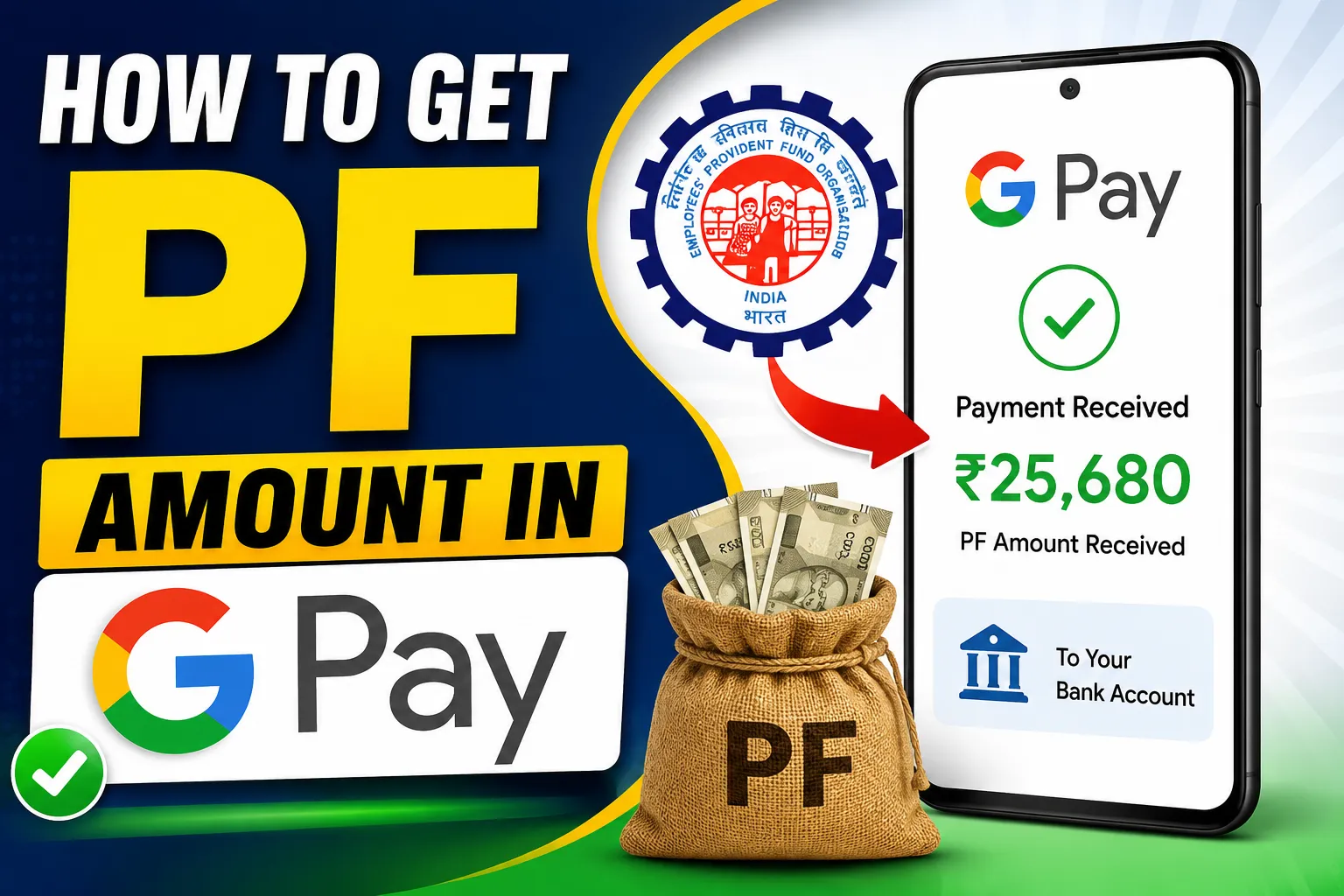
If you’re wondering “How to get PF amount in GPay?”, you’re not alone. Thousands of employees in India prefer receiving their Employees’ Provident Fund (EPF) withdrawal directly into their bank account and then using Google Pay (GPay) to access or spend the money.
While Google Pay does not directly process PF withdrawals, it can be used to receive and manage the money after your EPF claim is approved.
In this comprehensive guide, you’ll learn how PF withdrawal works, whether GPay supports PF withdrawals, eligibility criteria, required documents, step-by-step withdrawal process, common issues, and frequently asked questions.
What is PF (Provident Fund)?
The Employees’ Provident Fund (EPF) is a retirement savings scheme managed by the Employees’ Provident Fund Organisation (EPFO).
Both employees and employers contribute a fixed percentage of the employee’s salary every month. This accumulated amount earns annual interest and can be withdrawn under specific conditions.
Benefits include:
- Retirement savings
- Emergency financial support
- Tax benefits
- Pension benefits
- Insurance coverage
Can You Withdraw PF Directly into GPay?
The simple answer is:
No.
Google Pay does not allow users to submit or process EPF withdrawal claims.
However, if your bank account is linked with both EPFO and GPay, your approved PF amount will be credited to your bank account, and it will automatically be visible in your Google Pay balance and bank account.
So, although you cannot withdraw PF “through” GPay, you can easily receive and use the money through your linked bank account.
Requirements Before Withdrawing PF
Before applying for PF withdrawal, make sure you have:
- Active Universal Account Number (UAN)
- UAN activated on the EPFO portal
- Aadhaar linked with UAN
- PAN linked (for higher withdrawals)
- Bank account linked with EPFO
- Correct IFSC code
- Mobile number linked with Aadhaar
- KYC approved by employer
If any of these details are missing, your claim may get delayed.
Step-by-Step Guide to Withdraw PF
Step 1: Visit the EPFO Member Portal
Open the official EPFO member portal.
Login using:
- UAN
- Password
- Captcha
Step 2: Verify KYC
Navigate to:
Manage → KYC
Ensure that:
- Aadhaar is verified
- PAN is verified
- Bank account is approved
Step 3: Go to Online Services
Click:
Online Services → Claim (Form-31, 19 & 10C)
Step 4: Verify Bank Details
Enter the last four digits of your registered bank account.
Click Verify.
Step 5: Proceed for Online Claim
Accept the declaration.
Click:
Proceed for Online Claim
Step 6: Select Claim Type
Choose the appropriate option:
- Full PF Settlement
- Partial Withdrawal
- Pension Withdrawal
Step 7: Upload Documents (if required)
Some claims require:
- Cancelled cheque
- Bank passbook
- PAN
- Aadhaar
Step 8: Authenticate Using Aadhaar OTP
You’ll receive an OTP on your Aadhaar-linked mobile number.
Enter the OTP.
Submit the claim.
How Long Does PF Withdrawal Take?
Generally:
- Online claims: 3–10 working days
- Offline claims: 15–30 days
If KYC is complete, processing is usually faster.
How Will You Receive PF Money?
After approval:
- EPFO transfers the amount to your registered bank account.
- Since your bank account is linked with Google Pay, the amount automatically appears in your account balance.
- You can then:
- Send money
- Pay bills
- Transfer funds
- Make UPI payments
- Withdraw cash using your bank
How to Check PF Claim Status
Follow these steps:
- Login to EPFO Portal.
- Go to Online Services.
- Select Track Claim Status.
- View your application progress.
Possible statuses include:
- Under Process
- Approved
- Settled
- Rejected
How to Check PF Balance
You can check your PF balance using:
1. EPFO Portal
Login with your UAN.
2. UMANG App
Login using your mobile number.
3. Missed Call
Give a missed call from your registered mobile number.
4. SMS Service
Send the required SMS from your registered number to receive your balance details.
Why is My PF Withdrawal Delayed?
Common reasons include:
- Aadhaar not linked
- Bank account mismatch
- Incorrect IFSC
- Employer approval pending
- PAN not verified
- Name mismatch
- Technical verification delay
Common PF Withdrawal Rejection Reasons
Your application may be rejected because:
- Incorrect bank details
- Wrong date of joining
- Employer hasn’t approved KYC
- Aadhaar mismatch
- Multiple UAN numbers
- Incomplete documents
Always verify all information before submitting your claim.
Tips for Faster PF Settlement
To receive your PF amount quickly:
- Complete KYC.
- Link Aadhaar with UAN.
- Verify PAN.
- Use the correct bank account.
- Keep your mobile number active.
- Avoid submitting duplicate claims.
- Check claim status regularly.
Is PF Withdrawal Taxable?
Tax depends on your service period.
Generally:
- More than 5 years of continuous service: Usually tax-free.
- Less than 5 years: Tax may apply under applicable rules.
Consult a tax professional if your situation is complex.
Can I Withdraw PF Without Leaving My Job?
Yes, in certain situations such as:
- Medical emergencies
- Home purchase
- Home construction
- Education
- Marriage
- Natural disasters
These are partial withdrawals under EPF rules.
Can Google Pay Show PF Balance?
No.
Google Pay cannot display your EPF balance.
To check your PF balance, use:
- EPFO Portal
- UMANG App
- SMS service
- Missed call facility
Safety Tips
Never share:
- UAN password
- Aadhaar OTP
- Bank OTP
- Google Pay PIN
Always access EPF services through official channels and beware of fraudulent calls or messages.
Frequently Asked Questions (FAQs)
Can I receive my PF amount in Google Pay?
You receive your PF amount in your linked bank account. If that account is connected to Google Pay, you can access and use the funds through GPay.
Is PF withdrawal available in GPay?
No. Google Pay does not provide a facility to submit EPF withdrawal requests.
How many days does PF settlement take?
Most online claims are processed within 3–10 working days, though timelines may vary.
Can I check PF balance in GPay?
No. Use the EPFO portal, UMANG app, SMS, or missed call services instead.
Is Aadhaar mandatory?
For most online EPF claims, Aadhaar linkage and verified KYC are required.
Can I withdraw PF without PAN?
In some cases, yes, but PAN verification may be necessary depending on the withdrawal amount and applicable tax rules.
Conclusion
Although Google Pay cannot directly process PF withdrawals, it plays an important role after your claim is approved. Once your EPF amount is credited to your registered bank account, you can immediately access and use those funds through Google Pay if the same bank account is linked to your GPay profile.
To ensure a smooth and fast withdrawal process, keep your UAN active, complete your KYC, link your Aadhaar and bank account, and verify all details before submitting your claim. Following these steps can help avoid delays and ensure your PF amount reaches your bank account as quickly as possible.
By understanding the EPF withdrawal process and how it integrates with Google Pay, you can manage your retirement savings more efficiently and securely.