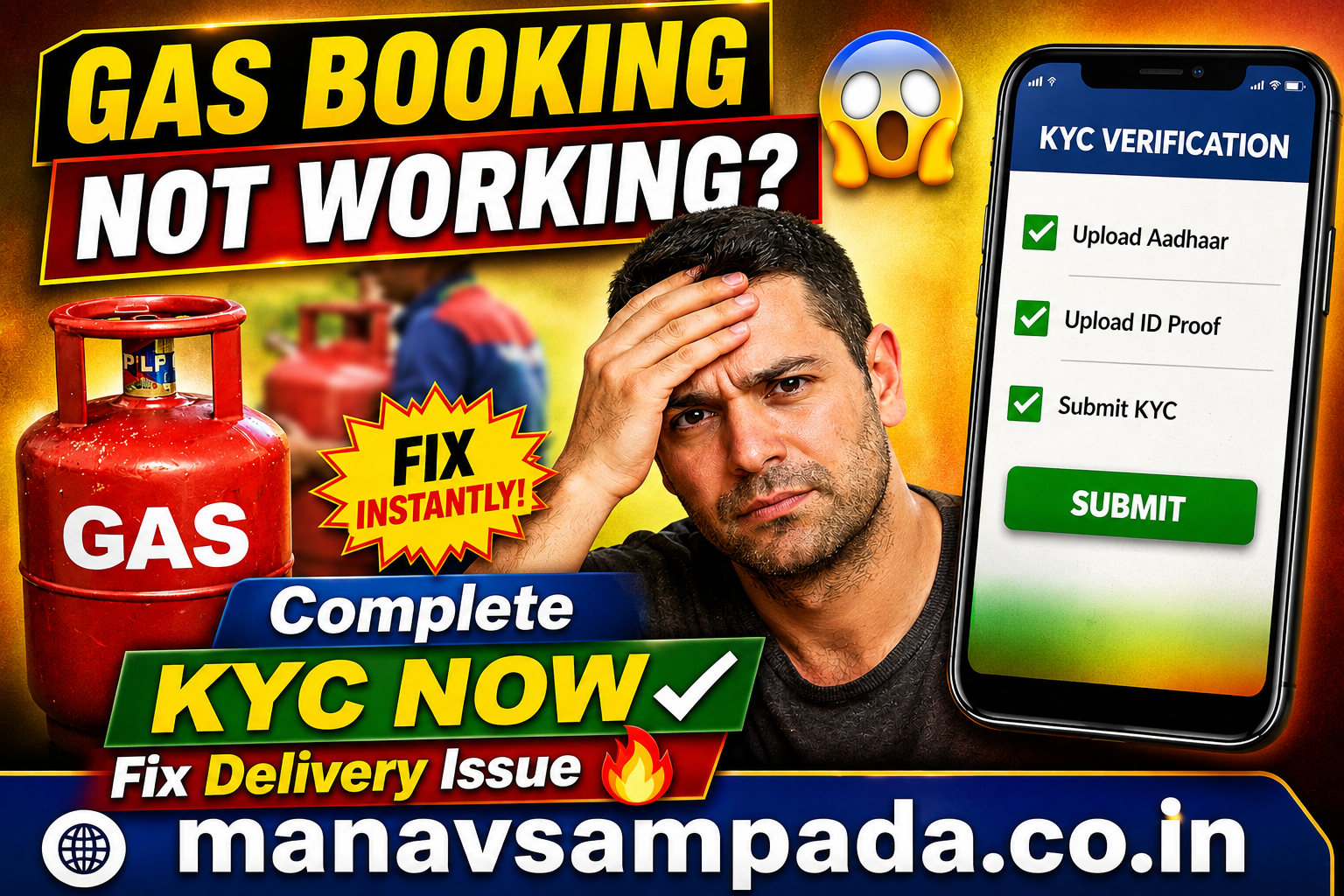
If your LPG gas cylinder booking is not working through an app, website, WhatsApp, missed call, or IVRS, the problem may be related to account verification, mobile-number mismatch, KYC status, or a temporary technical issue.
For many LPG consumers, completing or updating KYC (Know Your Customer) can help keep the connection details properly verified. The Government of India provides official LPG services through the oil marketing companies, and customers can use multiple channels to book a refill.
This guide explains how to troubleshoot LPG booking problems, check KYC requirements, use official mobile applications, and avoid common mistakes.
Why Is LPG Gas Booking Not Working?
There can be several reasons why an LPG refill booking fails:
- Your LPG account may require verification or updated KYC details.
- The registered mobile number may not match the number you are using.
- The LPG consumer account may have outdated information.
- The mobile application may have a temporary technical problem.
- Internet connectivity may be unstable.
- The LPG distributor or booking system may temporarily be unavailable.
- You may be using an unofficial application or incorrect booking method.
Before making changes to your account, always use your LPG company’s official website, application, distributor, or government service portal.
What Is LPG KYC?
KYC stands for Know Your Customer. It is the process of verifying customer information associated with an LPG connection.
The National Government Services Portal states that the LPG KYC process collects essential customer information, including personal details, address information and identity proof, to ensure that LPG services are provided to verified customers according to government requirements.
For eligible PMUY customers, official guidance also lists KYC and identity/address-related documents among the required documentation.
How to Fix LPG Gas Booking Problems
1. Check Your Registered Mobile Number
First, make sure the mobile number you are using is linked to your LPG consumer account.
If you recently changed your mobile number, contact your LPG distributor or use the official customer-service channel provided by your LPG company to update your details.
A mobile-number mismatch can prevent some digital services from working correctly.
2. Update or Complete KYC
If your LPG account requires KYC verification, follow the official process provided by your oil marketing company.
Do not submit Aadhaar, bank details, OTPs, or other personal information to unknown websites or applications.
For PMUY beneficiaries, the official PMUY website provides a self-service face-based biometric Aadhaar authentication e-KYC process. It instructs users to download the relevant oil company’s mobile application along with the Aadhaar FaceRD application.
3. Use the Official LPG App
If you are an IndianOil customer, the IndianOil ONE application provides several LPG-related services, including LPG cylinder booking, booking-history tracking and management of an existing LPG connection.
The application is available for Android and iPhone users through their respective official app stores.
4. Try Another Official Booking Method
If the mobile application is not working, you do not necessarily have to wait for the app to start working again.
The PMUY website lists several refill-booking methods for LPG consumers, including:
- IVRS
- Missed-call booking
- WhatsApp booking
- Customer portals
- Official LPG mobile applications
- Common Service Centres
- Certain BBPS-enabled payment applications
The exact method depends on whether your connection is with IndianOil, Bharatgas, or HP Gas.
5. Clear the App Cache
If the official application opens but the booking page does not work, try these basic troubleshooting steps:
- Close the application.
- Check your internet connection.
- Update the application from the official app store.
- Restart your phone.
- Clear the application’s cache.
- Log in again.
- Try booking the refill.
Avoid downloading APK files from unknown websites simply because an LPG application is not working.
LPG Booking Options for IndianOil Customers
IndianOil customers can use several official channels for LPG refill services.
The PMUY website currently lists the IndianOil customer portal and IndianOil ONE app among the available booking channels.
The IndianOil ONE listing also confirms that customers can book LPG cylinders, track booking history and manage an existing LPG connection through the app.
LPG KYC and Aadhaar Verification
Aadhaar authentication may be used for certain LPG-related verification processes. However, customers should distinguish between KYC, Aadhaar authentication, and subsidy-related bank linking, because they are not necessarily the same process.
The Government of India’s LPG services information also provides a separate process for linking Aadhaar with bank accounts for LPG consumers under the Direct Benefit Transfer system.
Therefore, if your issue concerns subsidy or DBT rather than refill booking, check the relevant official service instead of repeatedly attempting to book a cylinder.
What Documents May Be Required for LPG KYC?
Requirements can vary depending on the service and customer category. Official LPG guidance includes documents such as:
- KYC application form
- Aadhaar or another accepted identity document
- Proof of address where required
- Ration card or other family-composition document for applicable PMUY applications
- Bank account details for relevant subsidy/DBT processes
The PMUY website provides the current document requirements for its applications and services.
Is There an LPG KYC App for Android and iPhone?
There is no single universal “LPG KYC app” that every LPG customer should download.
The correct application depends on your LPG provider. For example, IndianOil provides the IndianOil ONE app, while other oil marketing companies have their own official digital services. The PMUY website specifically directs users to the relevant oil company’s mobile application for its face-based e-KYC process.
Always download applications from official app stores and verify the developer name before entering personal information.
What If LPG Booking Still Does Not Work?
If you have completed the relevant verification but booking continues to fail, try the following:
Step 1: Check your LPG consumer number.
Step 2: Confirm that your registered mobile number is correct.
Step 3: Update the official LPG application.
Step 4: Try the official customer portal instead of the mobile app.
Step 5: Try another official refill-booking channel.
Step 6: Contact your LPG distributor if the account information appears incorrect.
Step 7: Raise a complaint through the official LPG customer-support or grievance mechanism if the issue remains unresolved.
LPG Emergency and Customer Support
For LPG-related emergencies, the official PMUY website currently lists 1906 as the LPG Emergency Helpline. It also provides other toll-free and Ujjwala support numbers.
For a normal booking problem, use your oil marketing company’s official customer-service channel rather than an unofficial helpline number found on social media.
Frequently Asked Questions
Why can’t I book my LPG cylinder online?
Possible causes include an incorrect registered mobile number, account-verification issues, application problems, internet connectivity, or temporary service interruptions.
Does completing KYC automatically fix LPG booking?
Not necessarily. KYC can resolve verification-related issues, but booking failures can have other causes. If booking still fails after verification, try another official booking channel or contact your distributor.
Can I complete LPG KYC online?
Some LPG-related verification processes can be completed digitally. For example, PMUY provides an official face-based Aadhaar authentication e-KYC process using the relevant oil company’s mobile app and Aadhaar FaceRD.
Can I book LPG without using the mobile application?
Yes. Official LPG services provide multiple refill-booking methods, including IVRS, missed call, WhatsApp, customer portals and other supported channels, depending on the oil marketing company.
Is it safe to download an LPG KYC APK from an unknown website?
No. Avoid installing APK files from unknown sources for KYC or LPG booking. KYC can involve sensitive personal information, so use official websites and applications.
Indane Gas App
https://play.google.com/store/apps/details?id=com.indianoil.indane
HP Gas App
https://play.google.com/store/apps/details?id=com.hpcl.hpga
Bharat Gas App
https://play.google.com/store/apps/details?id=com.phonegap.bharatgas
Final Words
If your LPG gas booking is not working, do not immediately assume that your connection has been cancelled or that you must download a third-party KYC application.
Start by checking your registered mobile number, LPG account information and KYC status. Then try the official LPG application or another authorized booking method. If the issue continues, contact your distributor or the official customer-support channel.
Most importantly, never share your OTP, Aadhaar details, bank information or LPG account credentials with unofficial websites, apps or individuals.