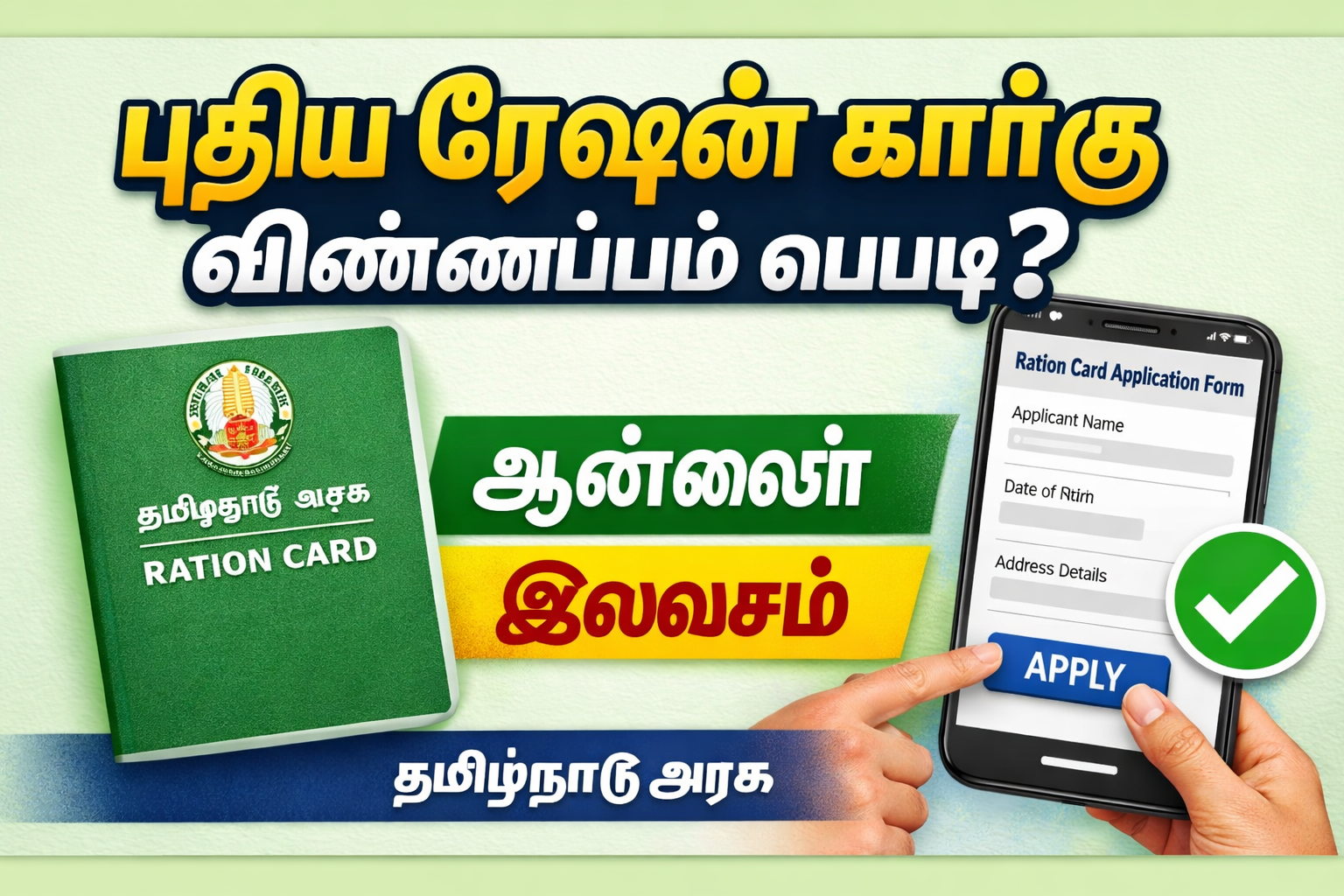
How to Apply Ration Card in Tamil Nadu
In Tamil Nadu, a Ration Card (Smart Family Card) is one of the most important government documents for every household. It allows families to purchase essential commodities like rice, sugar, wheat, and kerosene at subsidized prices through the Public Distribution System (PDS).
If you are wondering how to apply for a ration card in Tamil Nadu using an Android mobile, this complete step-by-step guide will help you. We will also explain the offline process, required documents, eligibility criteria, and application status checking process.
What is a Smart Ration Card in Tamil Nadu?
The Tamil Nadu Government introduced the Smart Family Card to replace old ration cards. This digital card is linked with Aadhaar and ensures transparent distribution of subsidized goods.
Types of Ration Cards in Tamil Nadu
- Rice Card – Eligible for rice and other essential commodities
- Sugar Card – For families not opting for rice
- No Commodity Card – For identity purposes only
- Police Card – For police personnel
Eligibility Criteria for Tamil Nadu Ration Card
To apply for a new ration card, you must:
- Be a resident of Tamil Nadu
- Not already possess a family card
- Have Aadhaar linked to family members
- Provide valid address proof
- Meet income eligibility (for subsidy benefits)
Documents Required for Ration Card Application
Before starting the online process on your Android phone, keep these documents ready:
- Aadhaar Card (All family members)
- Address Proof (Electricity Bill / Rental Agreement)
- Income Certificate (if applicable)
- Passport size photo
- Mobile number linked with Aadhaar
- Gas connection details (if any)
How to Apply Ration Card in Tamil Nadu Using Android Mobile (Online Method)
You can easily apply through the Tamil Nadu e-Sevai Portal using your smartphone.
Step 1: Visit the Official Website
Open Chrome browser on your Android mobile and go to:
👉
Step 2: Select “Smart Card Application”
Click on “Smart Card Application” option on the homepage.
Step 3: Fill Application Form
Enter the following details:
- Name of Head of Family
- Aadhaar Number
- Mobile Number
- Address Details
- Family Member Details
Step 4: Upload Documents
Upload scanned copies or clear photos of required documents directly from your Android phone.
Step 5: Submit Application
Verify all details and click Submit.
You will receive an Application Reference Number via SMS.
How to Check Ration Card Status in Tamil Nadu (Online)
- Visit tnpds.gov.in
- Click on “Application Status”
- Enter your Reference Number
- Click Submit
You can see whether your ration card is approved, pending, or rejected.
How to Apply Ration Card Offline in Tamil Nadu
If you are not comfortable applying online, you can visit your nearest:
- Taluk Office
- Civil Supplies Office
- e-Sevai Center
Offline Process:
- Collect the application form
- Fill the details manually
- Attach photocopies of required documents
- Submit the form
- Receive acknowledgment slip
After verification, your Smart Ration Card will be issued.
Ration Card Application Fees in Tamil Nadu
The Tamil Nadu Government generally provides ration card services free of cost. However, small service charges may apply at e-Sevai centers.
Processing Time for Smart Ration Card
Usually, it takes 15 to 30 days after successful document verification. You will receive SMS notification once approved.
Benefits of Tamil Nadu Ration Card
A ration card offers multiple government scheme benefits:
- Subsidized Rice (Free rice scheme)
- Sugar at reduced price
- Wheat and pulses
- LPG subsidy eligibility
- Identity proof for government schemes
- Required for scholarship and welfare schemes
- Used for income and residence proof
Common Reasons for Ration Card Rejection
Your application may be rejected due to:
- Incorrect Aadhaar details
- Duplicate ration card
- Mismatch in address proof
- Incomplete documentation
- Incorrect family member details
Always double-check before submission.
How to Make Corrections in Ration Card Online
If you need to update:
- Name correction
- Address change
- Add/remove family member
Visit the same official portal and choose the correction option. Upload supporting documents and submit request.
Frequently Asked Questions (FAQs)
1. Can I apply for ration card through mobile?
Yes, you can apply using any Android mobile through the official Tamil Nadu PDS website.
2. Is Aadhaar mandatory?
Yes, Aadhaar is compulsory for all family members.
3. How long does it take to get ration card?
Normally 15–30 days after verification.
4. Is there any fee for new ration card?
No official fee, but service centers may charge a small amount.
Important Tips for Faster Approval
- Use correct Aadhaar details
- Upload clear document photos
- Ensure mobile number is active
- Avoid duplicate applications
- Check status regularly
Conclusion
Applying for a Ration Card in Tamil Nadu using Android mobile is simple and convenient. The Tamil Nadu government has made the process digital to ensure transparency and ease for citizens.
Whether you choose the online method via tnpds.gov.in or the offline method through Taluk Office, make sure all your documents are correct to avoid delays.
A ration card not only helps you buy essential goods at subsidized prices but also acts as a vital identity document for various government welfare schemes.
If you found this guide helpful, share it with others who need help applying for a Smart Family Card in Tamil Nadu.