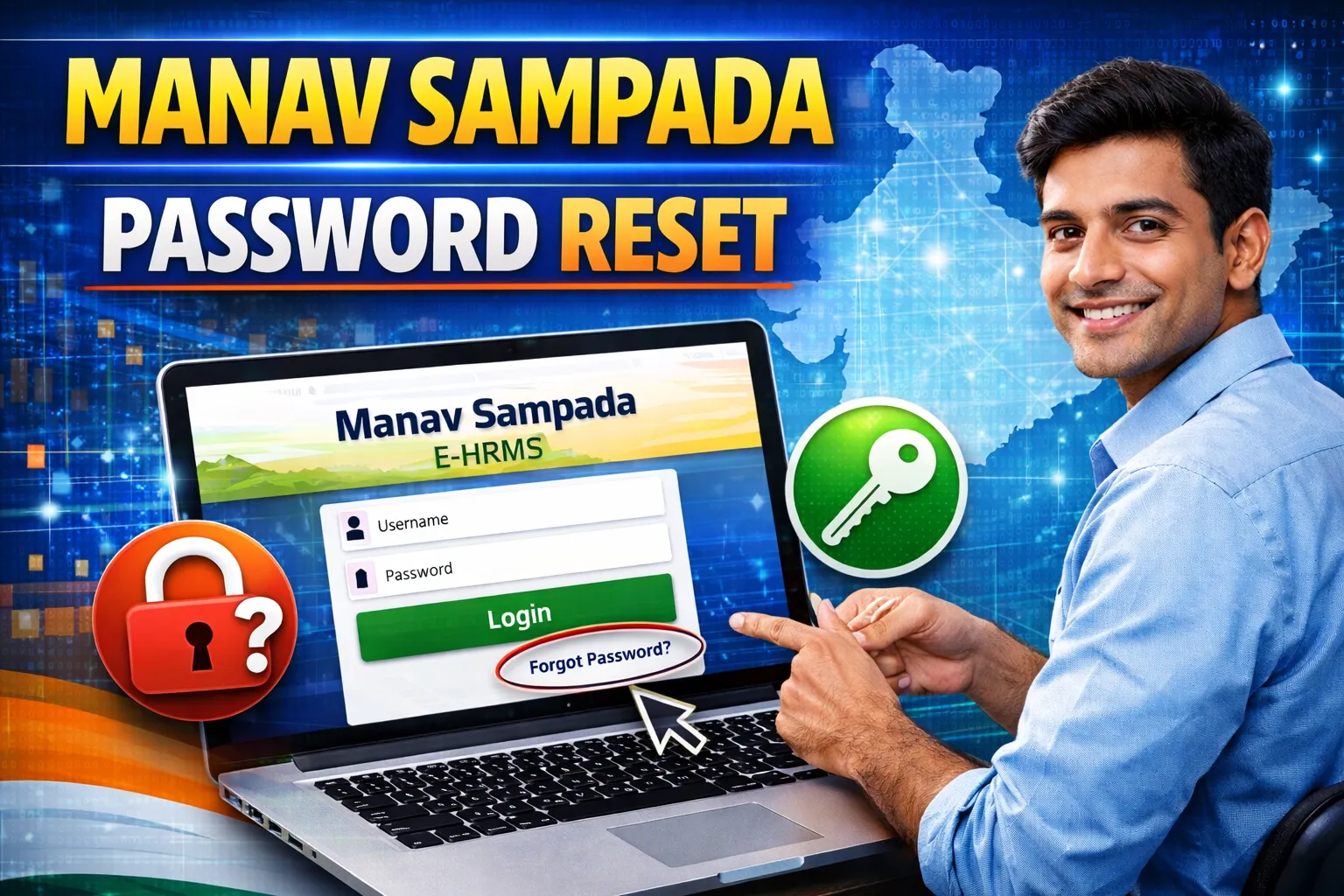
Manav Sampada Password Reset 2026 – Forgot User ID, Mobile Number Update & Login Problem Solution
Are you unable to login to the ?
Forgot your password or User ID?
If you are a government employee in , this complete 2026 guide will help you reset your password, recover your User ID, and solve common login problems.
What is Manav Sampada Portal?
Manav Sampada is the official eHRMS system for Uttar Pradesh government employees. It allows staff to:
- Apply for leave online
- Download salary slip
- Access service book
- View transfer details
- Manage employee records
Official Website:
👉 https://ehrms.upsdc.gov.in
How to Reset Manav Sampada Password (2026)
If you forgot your password, follow these steps:
Step-by-Step Process:
- Visit the official portal.
- Click on “eHRMS Login”.
- Select your department.
- Click on “Forgot Password” option.
- Enter:
- User ID
- Registered Mobile Number
- Enter OTP received on mobile.
- Create a new password.
- Click Submit.
Your password will be successfully reset.
Forgot Manav Sampada User ID – What to Do?
If you forgot your User ID:
Option 1: Contact Department Admin
Your school/office head or department clerk can provide your User ID.
Option 2: Check Previous Leave Application
Your User ID is often mentioned in:
- Leave approval messages
- Salary slip
- Service book records
How to Update Mobile Number in Manav Sampada?
If your registered mobile number is changed, you cannot receive OTP.
To update mobile number:
- Contact your department HR/admin.
- Submit written request with:
- Employee ID
- Aadhaar copy
- New mobile number
- Admin will update in eHRMS system.
Mobile number cannot be changed directly by employees.
Common Manav Sampada Login Problems & Solutions
1️⃣ Invalid User ID Error
✔ Select correct department
✔ Check spelling carefully
2️⃣ Wrong Password Error
✔ Reset password using OTP
✔ Avoid typing mistakes
3️⃣ Website Not Opening
Try:
- Use Google Chrome browser
- Clear browser cache
- Check internet connection
- Try during non-peak hours
4️⃣ OTP Not Received
✔ Check network signal
✔ Confirm registered mobile number
✔ Contact department admin
Password Creation Rules (Important)
While resetting password, follow these rules:
- Minimum 8 characters
- Include capital letter
- Include number
- Include special symbol (@, #, etc.)
Example:
UP@2026hr
When to Contact Technical Support?
Contact department if:
- Account locked
- Mobile number not registered
- Service book mismatch
- Login blocked after multiple attempts
Security Tips for Employees
✔ Do not share password
✔ Logout after use
✔ Update password every 3–6 months
✔ Avoid logging in on public computers
Frequently Asked Questions (FAQs)
Q1. Can I reset password without mobile number?
No. OTP verification is mandatory.
Q2. Is Manav Sampada password reset free?
Yes, completely free.
Q3. How many times can I try login?
After multiple wrong attempts, account may lock temporarily.
Q4. Can I change User ID?
No, User ID is permanent.
Q5. Who manages Manav Sampada Portal?
It is managed by the Uttar Pradesh Government HRMS system.
Final Words
The Manav Sampada Password Reset 2026 process is simple if your registered mobile number is active. Always keep your login details secure and updated to avoid access issues.
If you face serious problems, contact your department administrator immediately.