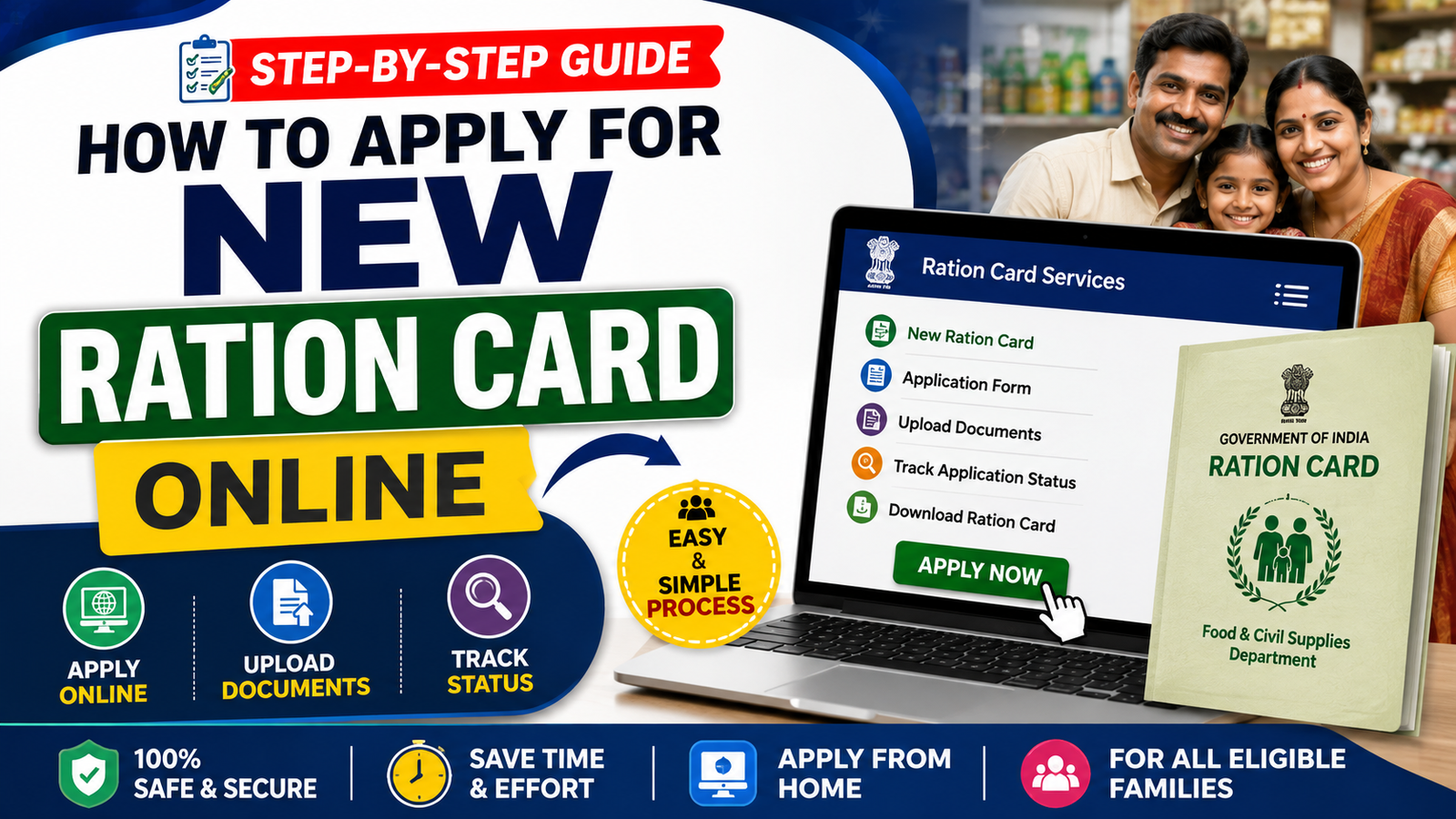
A ration card is an important government document used by eligible households to access subsidised food grains and, in many states, various government welfare services. Today, applicants can often submit a new ration card application online without visiting a government office multiple times.
The exact procedure, eligibility criteria, documents, fees and processing time vary from one state to another. This guide explains the general online application process and highlights the important things you should check before submitting your application.
What Is a Ration Card?
A ration card is a government-issued document that identifies an eligible household under the Public Distribution System (PDS). Depending on the state and household category, it may help beneficiaries receive food grains and access certain welfare schemes.
Modern ration-card systems may also provide online services such as:
- New ration card application
- Ration card status tracking
- Member addition or deletion
- Address modification
- Duplicate ration card requests
- e-KYC services
- Downloading or viewing an electronic ration card
- Linking Aadhaar, where applicable
Who Can Apply for a New Ration Card?
Eligibility rules differ between states. Generally, a person may be eligible to apply if:
- They are a resident of the concerned state.
- The household does not already have a valid ration card, where a new card is being requested.
- They meet the applicable household and income criteria for the selected category.
- The information and documents submitted are genuine and verifiable.
- They comply with the state’s PDS and food-supply department rules.
If your family already has a ration card, you may need to request member addition, transfer or modification instead of applying for an entirely new card.
Documents Required for a New Ration Card
The document list can vary by state and card category. Commonly requested documents include:
- Aadhaar Card of household members
- Proof of address
- Passport-size photograph, where required
- Mobile number
- Proof of identity
- Income certificate, if applicable
- Details of family members
- Bank details, if specifically requested
- Previous ration card or surrender certificate, where applicable
- Other state-specific certificates or declarations
Keep Your Documents Ready
Before starting the online application, scan or photograph your documents clearly. Make sure names, dates of birth and addresses are consistent across the application and supporting documents.
How to Apply for a New Ration Card Online
The following is the general process. The names of menus and forms may differ depending on your state.
Step 1: Visit Your State’s Official Ration Card Portal
Go to the official website of your State Food and Civil Supplies Department, PDS department or designated ration-card service portal.
Avoid applying through unofficial websites that ask for unnecessary personal information or payment.
Step 2: Find the New Ration Card Service
Look for an option such as:
- “New Ration Card”
- “Apply for New Ration Card”
- “New Family Card”
- “Ration Card Application”
- “Citizen Services”
Click the appropriate option.
Step 3: Register or Log In
If you are a new user, you may need to create an account using details such as:
- Mobile number
- Email address, if required
- Aadhaar or other identification details
- Username and password
Some state portals may provide authentication through OTP.
Step 4: Select the Appropriate Ration Card Category
Depending on your state, several categories may be available.
Select the category that applies to your household based on the eligibility conditions provided by the government.
Do not select a category simply because it provides greater benefits. Providing incorrect information can result in rejection or other action under applicable rules.
Step 5: Enter Family Details
Enter the requested information carefully.
This may include:
- Applicant’s name
- Father’s or spouse’s name
- Date of birth
- Gender
- Aadhaar details
- Mobile number
- Address
- Details of other household members
- Relationship with the head of household
Check the spelling of every family member’s name before proceeding.
Step 6: Enter Address and Household Information
Provide your complete residential address, including the relevant:
- District
- Taluk/Block
- Village/Town/City
- Local body
- Door/House number
- PIN code
The portal may also ask for details related to the existing household, LPG connection, electricity connection or other information depending on state rules.
Step 7: Upload Supporting Documents
Upload the documents requested by the portal.
Make sure:
- Documents are readable.
- The file format is accepted.
- The file size is within the specified limit.
- Names and other details match the application.
- No important page is missing.
Step 8: Review the Application
Before submitting, carefully verify:
- Applicant name
- Family members
- Aadhaar details
- Address
- Mobile number
- Ration card category
- Uploaded documents
A small spelling mistake can cause delays, so review the application at least once before final submission.
Step 9: Submit the Application
After confirming the information, submit the application online.
If the portal provides an acknowledgement or application/reference number, save it immediately.
Take a screenshot or download the acknowledgement for future reference.
Step 10: Track Your Ration Card Application Status
Use the portal’s Application Status / Ration Card Status service to check the progress of your application.
You may need your:
- Application number
- Acknowledgement number
- Registration ID
- Mobile number
Possible status messages may include:
- Application submitted
- Under verification
- Field verification pending
- Approved
- Rejected
- Card generated
- Correction required
The exact status terminology varies between states.
How Long Does It Take to Get a New Ration Card?
Processing time is not the same everywhere. It may depend on:
- State government rules
- Document verification
- Field verification
- Application volume
- Eligibility verification
- Availability of correct information
Therefore, applicants should check the service timeline displayed on their state’s official portal rather than relying on a fixed number of days.
Is There a Fee for a New Ration Card?
The application fee, if any, depends on the state and type of service.
Some online ration-card services may be free, while certain services may involve prescribed charges. Do not pay unofficial agents or websites merely to submit an application.
Always verify the applicable fee on the official government portal.
Common Reasons for Ration Card Application Rejection
An application may be rejected or sent back for correction because of:
- Incorrect personal information
- Duplicate ration card records
- Invalid documents
- Address mismatch
- Incomplete application
- Incorrect eligibility category
- Aadhaar or identity-related discrepancies
- Failure during verification
- False or misleading information
If an application is rejected, check whether the portal provides a specific reason and correction or appeal option.
How to Avoid Application Mistakes
Follow these simple tips before submitting your application:
1. Use the Official Website
Always verify that you are using the official government portal.
2. Keep Aadhaar Details Accurate
Where Aadhaar is required, ensure that the details entered correspond with the applicable records.
3. Enter Family Details Carefully
Do not accidentally leave out eligible household members or enter duplicate information.
4. Upload Clear Documents
Blurry or incomplete documents can create verification problems.
5. Save the Application Number
Your application/reference number can be important when checking the status or contacting the department.
6. Check Your Mobile Number
Make sure the registered mobile number is active if the department uses SMS or OTP notifications.
New Ration Card Online Application: Quick Overview
| Particular | Details |
|---|---|
| Service | New Ration Card |
| Application Mode | Online/Offline depending on state |
| Eligibility | State-specific |
| Documents | Aadhaar, address proof and other applicable documents |
| Fee | Depends on state/service |
| Verification | Department verification may be required |
| Status Tracking | Available through many state portals |
| Card Delivery | Digital/physical options may vary |
Frequently Asked Questions (FAQs)
Can I apply for a ration card online?
Yes. Many State/UT governments provide online ration-card application facilities through their official food, civil supplies or PDS portals.
Can I apply using my mobile phone?
In many states, yes. If the official portal is mobile-friendly, you can complete the application using a smartphone and upload the required documents.
Is Aadhaar mandatory for a ration card?
The requirement and authentication process can vary by state and service. Check the current requirements on your state’s official portal.
Can I apply for a ration card if I recently moved to another state?
The procedure depends on your circumstances. You may need to follow the state’s rules for migration, surrender/transfer of an existing card or registration of a new household.
How can I check my application status?
Visit your state’s official ration-card/PDS portal and use its application-status service. Enter your application or acknowledgement details as requested.
What should I do if my application is rejected?
First, check the rejection reason. If corrections or an appeal/reapplication facility is available, follow the instructions provided by the department.
Can I add a family member after receiving the ration card?
Many state systems provide services for adding eligible family members. The required documents and procedure vary by state.
Final Words
Applying for a new ration card online can be convenient when the service is available through your State/UT government’s official portal. The most important steps are to select the correct card category, provide accurate family and address details, upload valid documents and save your application reference number.
Before applying, always verify the latest eligibility requirements, documents, fees and application procedure on your state’s official food and civil supplies/PDS website. This helps avoid mistakes, unnecessary payments and delays.